01 / Mobile
Looks professional on phones
Built mobile-first to load quickly and look polished when customers find you on their phones.
Use ChatGPT or Claude to create a beautiful, mobile-friendly website for your business, with step-by-step guidance from start to finish.
60 Minutes•Live on Zoom•ChatGPT or Claude•Bring Your Computer
Beautiful. Mobile-friendly. Built with AI. You don't need to know how to code to create something you're proud to share.
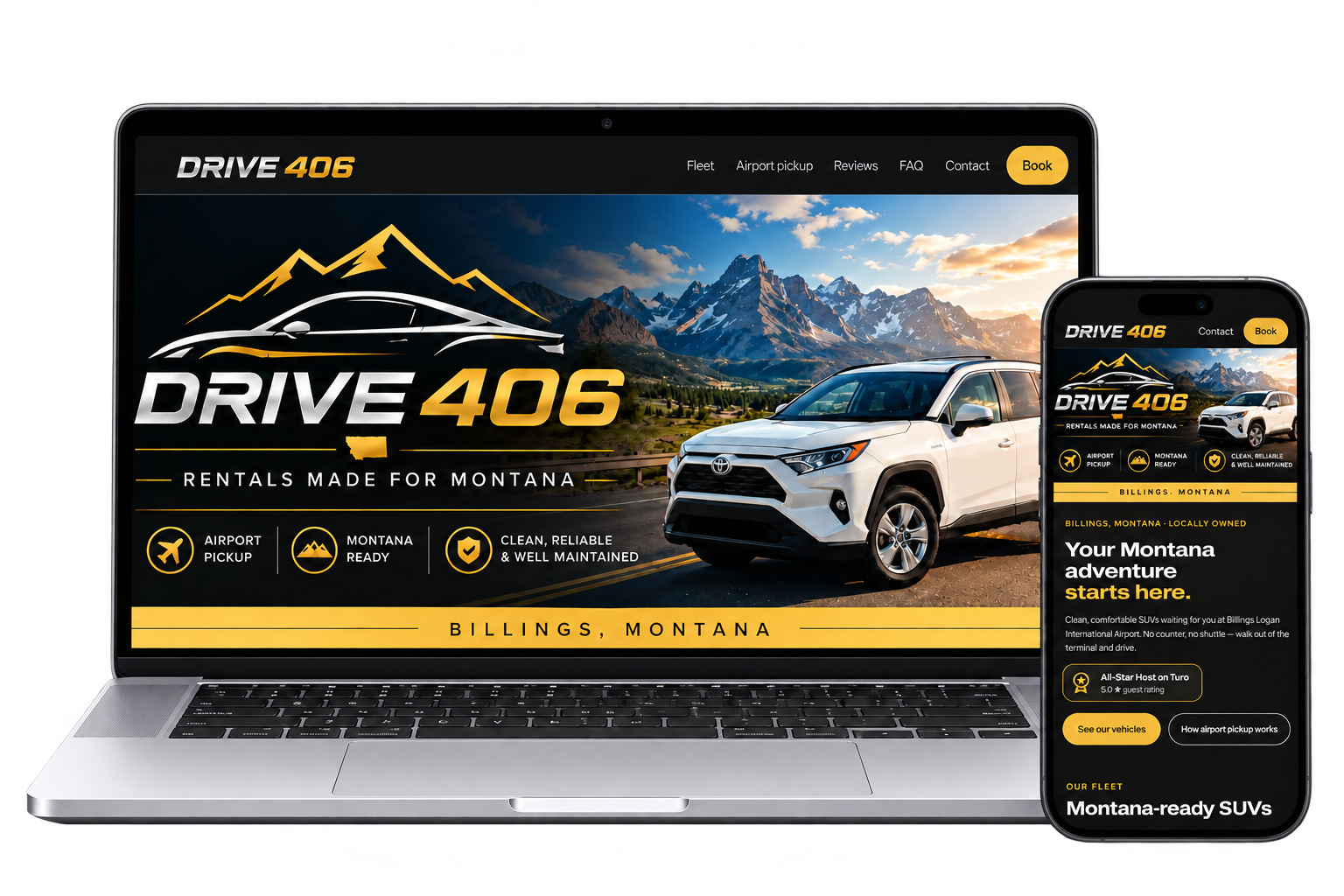
Drive406 is an example of a business website created with AI in an afternoon by a single mom with two kids under 5.

“I helped my daughter build a gorgeous website with about four text messages while she was taking care of her kids. You can do this, too.”
Join Tiffany live on Zoom. Build alongside us, step by step, and leave with your starter website ready.


Everything you need to launch a credible, customer-ready starter site, built live with AI in 60 minutes.
01 / Mobile
Built mobile-first to load quickly and look polished when customers find you on their phones.
02 / Message
Help real buyers understand what you do with clear copy that supports traditional and AI search visibility.
03 / Contact
Prominent click-to-call, quote requests, and appointment booking help ready buyers reach you.
04 / Imagery
Use approved business photos or select curated, royalty-free starter images shared in class.
05 / Improve
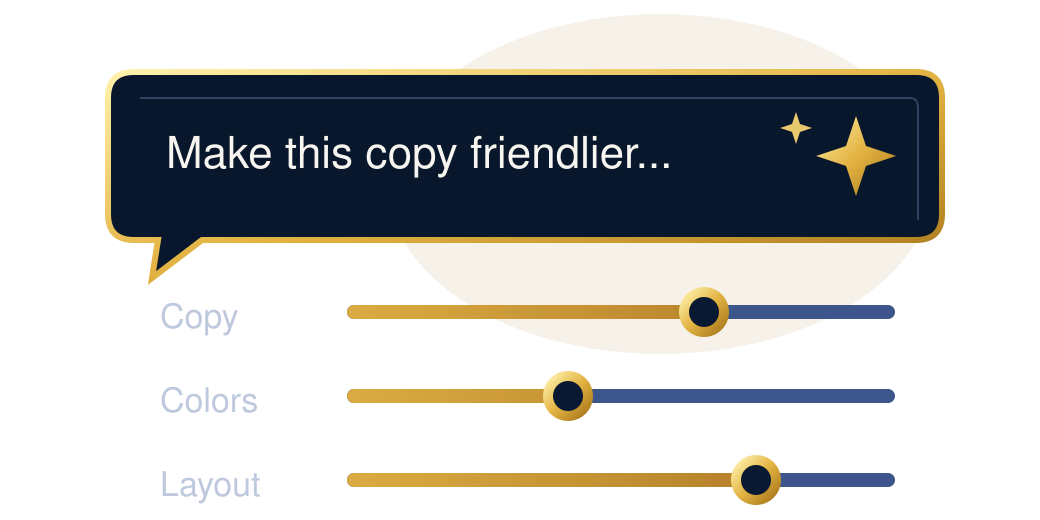
Learn a universal troubleshooting prompt so you can ask AI to adjust copy, colors, or sections anytime.
06 / Publish
Follow a verified, step-by-step publishing path. Go live in class if hosting is ready, or use the post-class checklist.
MORE THAN A WEBSITE
This isn't just a build-along. While we build, Tiffany shows you how to get more out of AI than you ever dreamed, simply by asking the right questions. You'll leave with a website and a skill you'll use again and again.
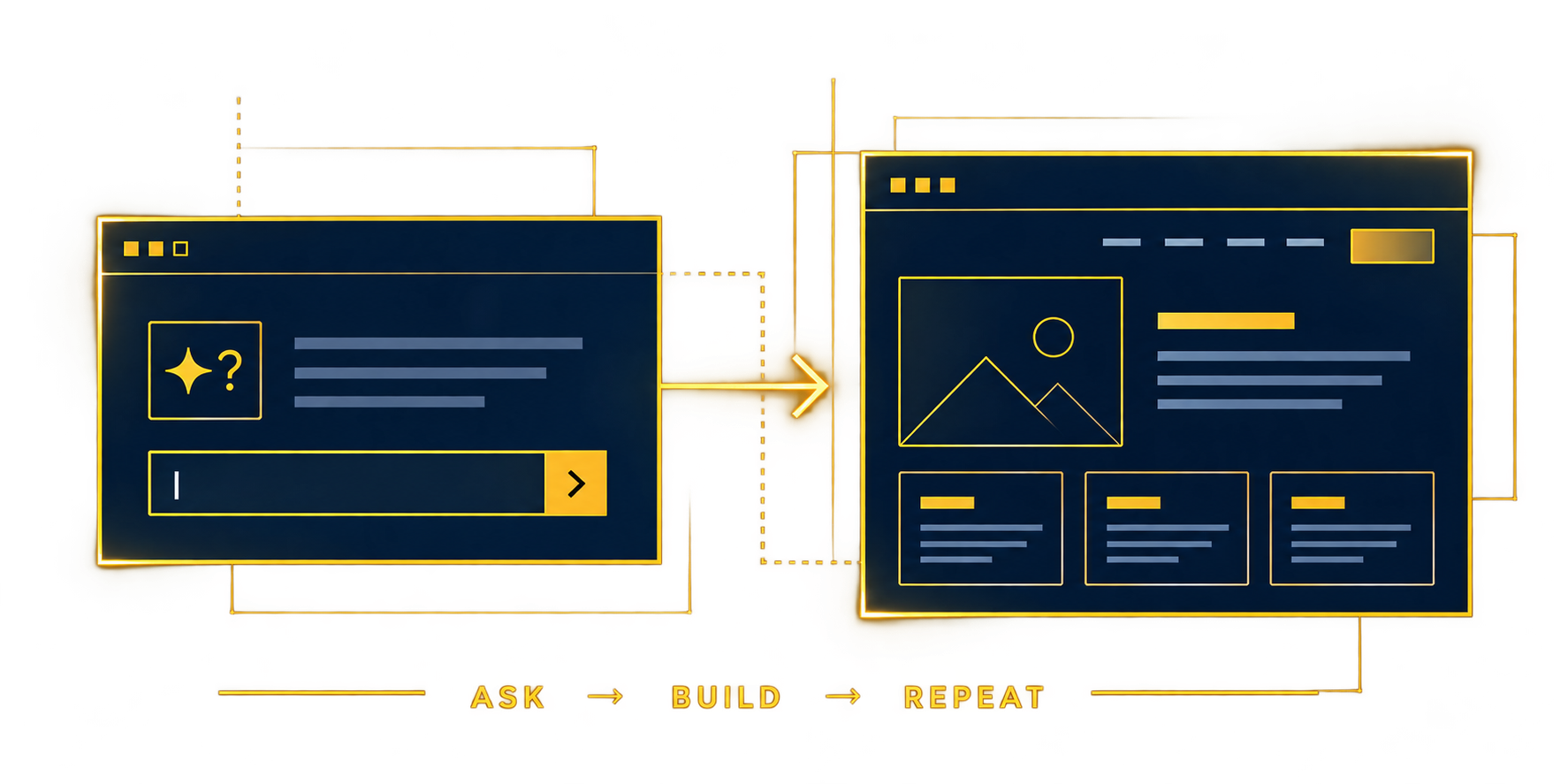
Every minute is structured so you're building, not just watching a slideshow.

See a finished site and discover why AI makes this simple.
Answer one question at a time about services, customers, location and next steps.
Turn your answers into a responsive site. Choose images and preview.
Improve headlines, services and the contact flow on mobile.

Learn where files go, connect a domain, and wire up contact buttons.
Test links, learn a reusable troubleshooting prompt and celebrate progress.
No tech experience requiredBuild alongside Tiffany live
You don't need any special software or coding tools. Just have these basics ready before we start:
Laptop or desktop computer with internet access.
A free ChatGPT or Claude account. Pick one to use during class. A paid plan is optional.
Your business details: name, city/service area, phone number, main services, and short ideal customer description.
Your main customer action: call, quote request, or appointment booking destination.
Photos of your logo, you, your business and doing business. Recommended for the best outcome, but not required. They can be added later.
First-time AI users, solopreneurs, and local service-business owners who need a straightforward business website that brings in calls.
Your starter website is just the beginning. When you're ready to build deeper, join our 5-day challenge where we work together to turn that landing page into a system that actually lands customers.
Refine your headline and offers so the right customers instantly get what you do.

Get found by Google searchers and AI assistants alike.

Never let an inquiry die in your inbox. Automate replies and a warm lead pipeline.

Connect your tools so repeatable work (intake, scheduling, reminders) runs itself.

Weekly performance reviews and AI-assisted improvements to keep getting better.
Optional paid program. Full details and pricing shared at the end of the free 60-minute workshop. No obligation.
Everything you need to know before claiming your free seat.
What if building a beautiful business website were one of the easiest things you did this year?